

Needs analysis
The needs analysis is the first design document, and the gate for the rest: the MSEL can’t be created until it’s approved.
Fill it in
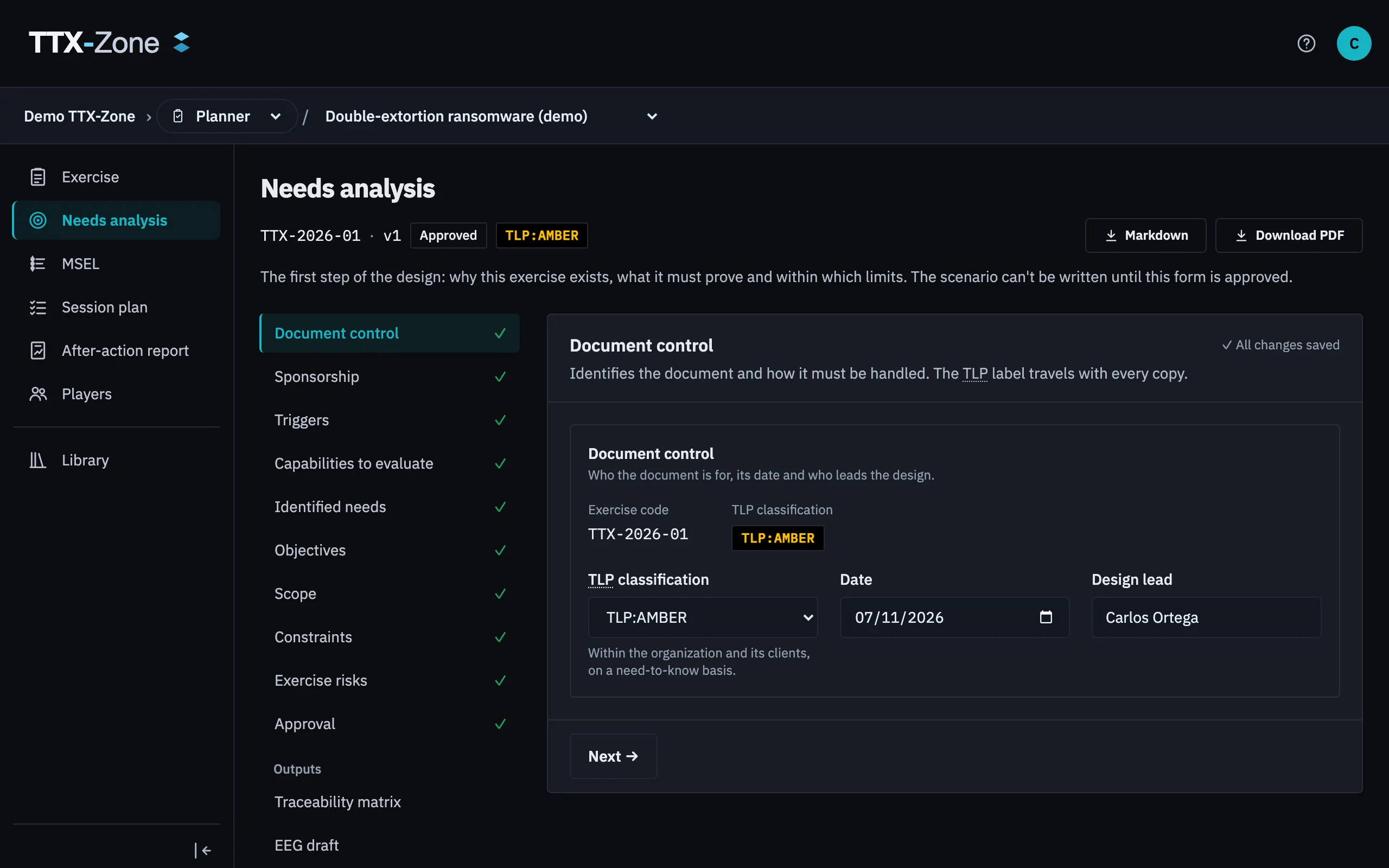
Section titled “Fill it in”The form has these sections, listed on the left with their pending issues:
| Section | What goes there |
|---|---|
| Document control | Classification and version details |
| Sponsorship | Who sponsors the exercise |
| Triggers | What prompts it, including any regulation that requires exercises |
| Identified needs | What you found that needs exercising |
| Capabilities to evaluate | What you want to test |
| Objectives | What the exercise must show |
| Scope | Who and what is in and out |
| Constraints | Limits on the exercise |
| Exercise risks | What could go wrong with the exercise itself |
| Approval | Who signs it off |
| Traceability matrix | How needs, capabilities and objectives connect |
| EEG draft | A first view of how objectives will be evaluated |
It saves as you type, and more than one person can work on it.
Write good objectives
Section titled “Write good objectives”Objectives should be SMART: specific, measurable, achievable, relevant and time-bound. Write one observable condition per line in the success criterion, because each line becomes a point Evaluators rate. The form warns about vague words.
Add from the library offers ready objective templates by capability, with their evidence and regulatory requirements.
Approve it
Section titled “Approve it”- Clear everything under To submit in the summary, then select Submit for approval.
- Record each approver’s decision, with evidence files if you have them.
- Clear To approve, then select Approve form.
Any edit after that returns the form to Draft and opens a new version. Earlier approvals stay as history. The MSEL then asks you to confirm you’ve reviewed the change.
Export
Section titled “Export”Download the needs analysis as a PDF with signature blocks, or as Markdown.