

Rating the session
Evaluators work in the Playground, in their panel, during the session.
Rate a point
Section titled “Rate a point”By default the panel shows your assigned EEG points for the current inject. A toggle shows all of yours, and a counter shows how many you’ve rated.
For each point, choose a level and give your reason:
| Level | Meaning |
|---|---|
| P | Performed without challenges: done as expected and on time, following plans and procedures |
| S | Performed with some challenges |
| M | Performed with major challenges |
| U | Unable to be performed: not done, or done in a way that doesn’t achieve what was expected |
A point may have its own definition of each level, and the picker shows it.
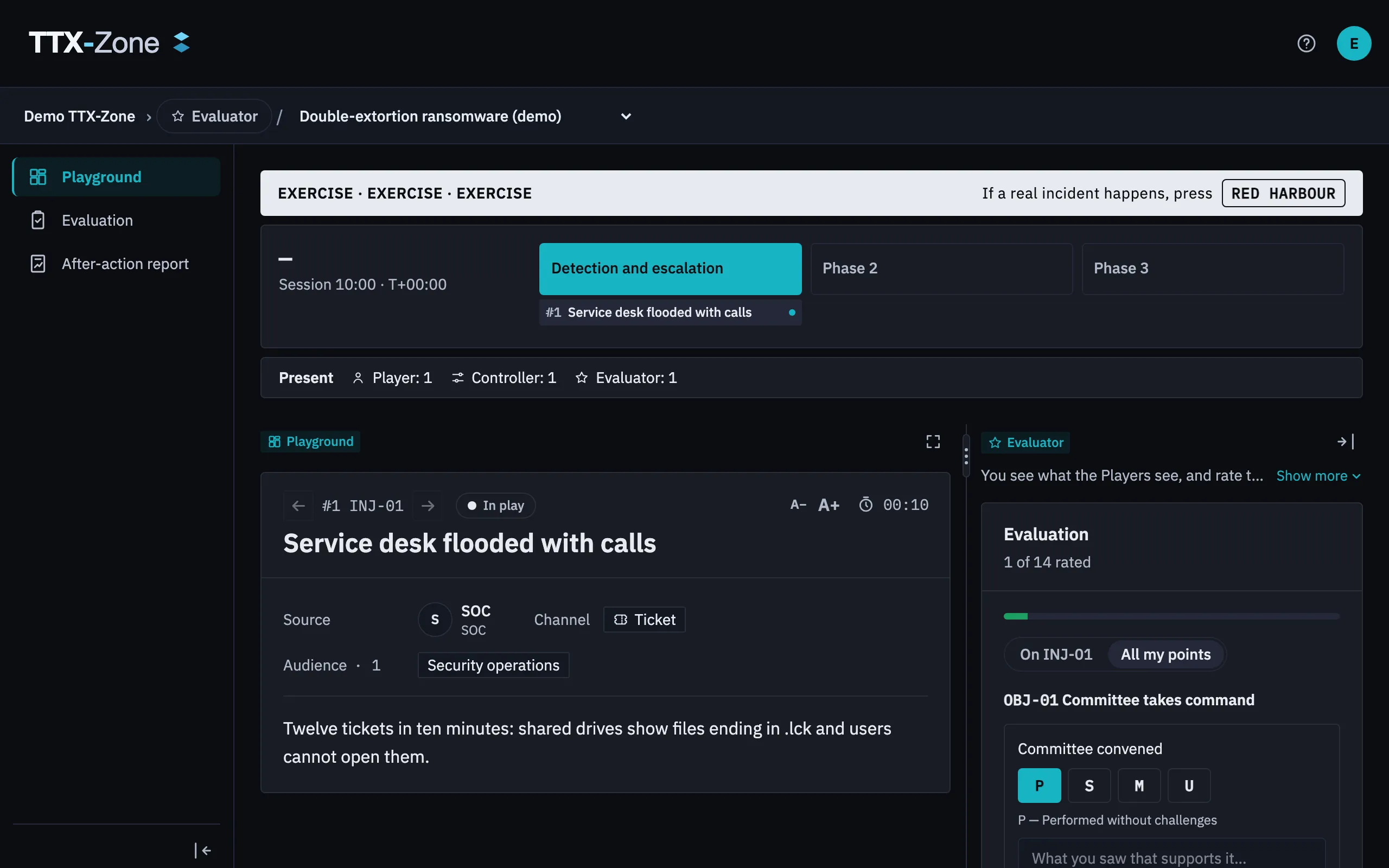
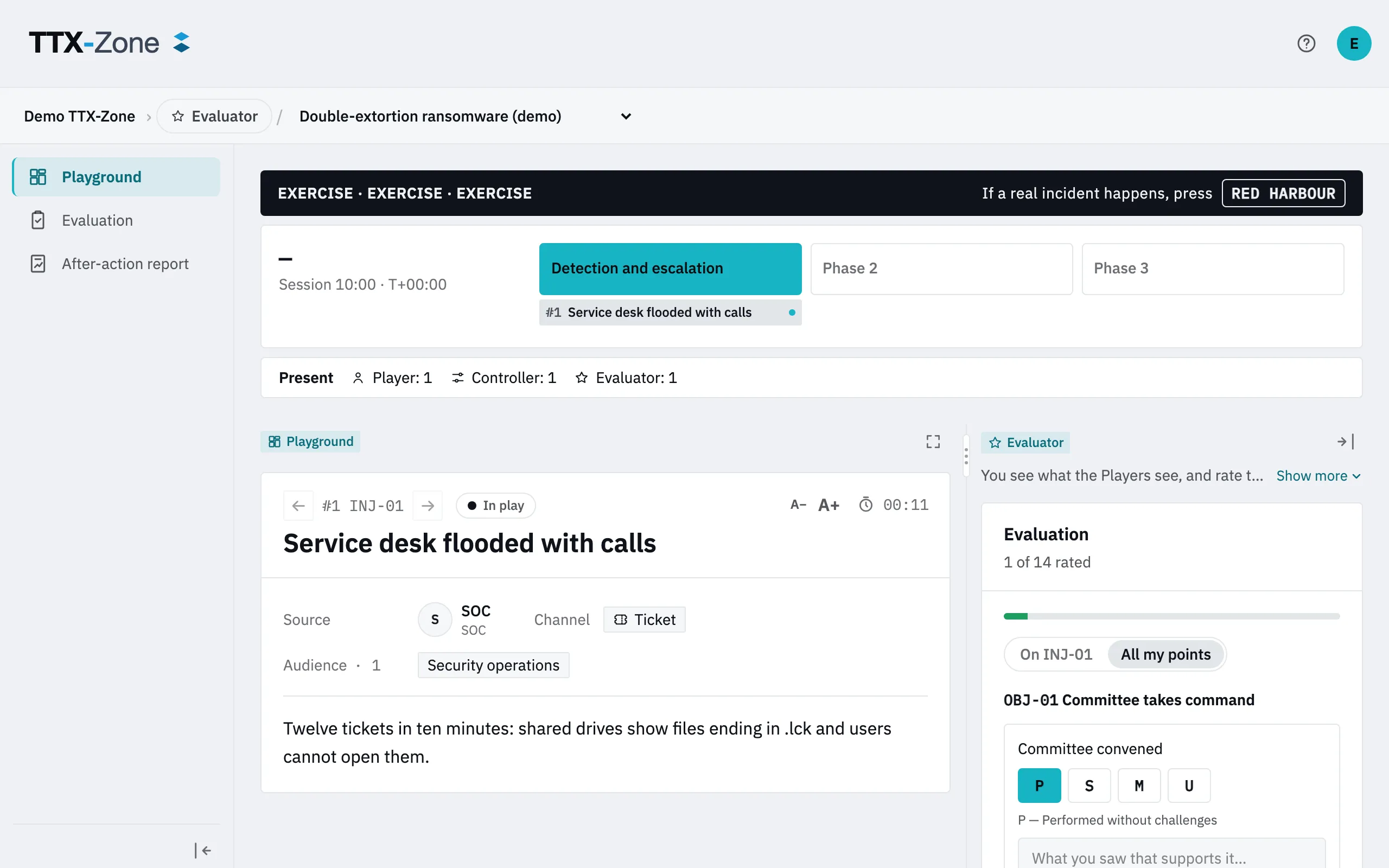
Add an Inject note or General notes as you go. They reach the report’s authors afterwards.
Evaluator or Observer
Section titled “Evaluator or Observer”An Observer only watches and takes notes. An Evaluator rates. If you’re on the planning and control team and also evaluate, pick Evaluator in the role selector.